Hi Ninja,
Welcome to the easiest way to create amazing AI images and videos!
No subscription required! Pay as you go generations from the world's most popular models.
 FLUX.2
  GPT Image
  Kling 3.0
  Grok
Grok  Recraft
  NB Pro
  NB 2
NB 2  Kling 2.5 Kling 2.6 Kling 3.0
  Grok
Grok  Veo 3.1
  Wan 2.6
 Quick Start
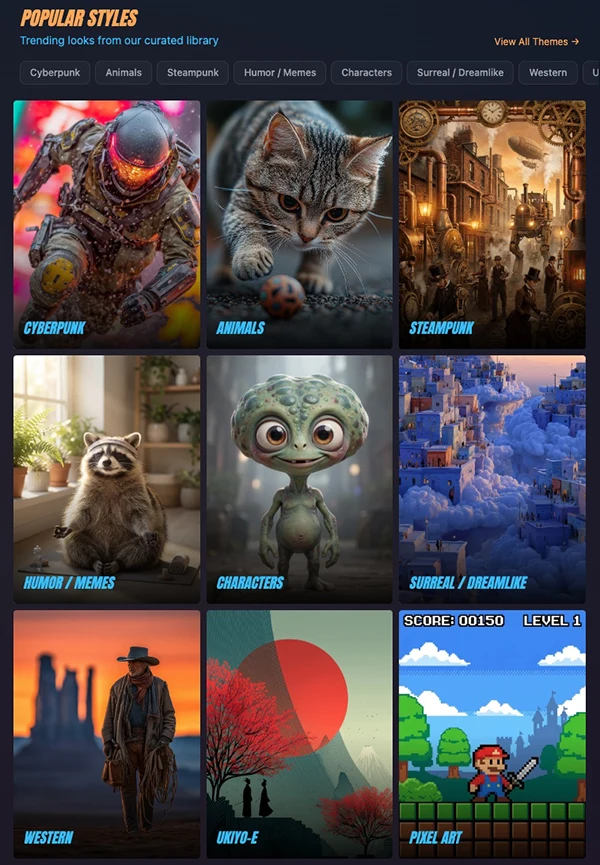
Step 1: Choose a Style
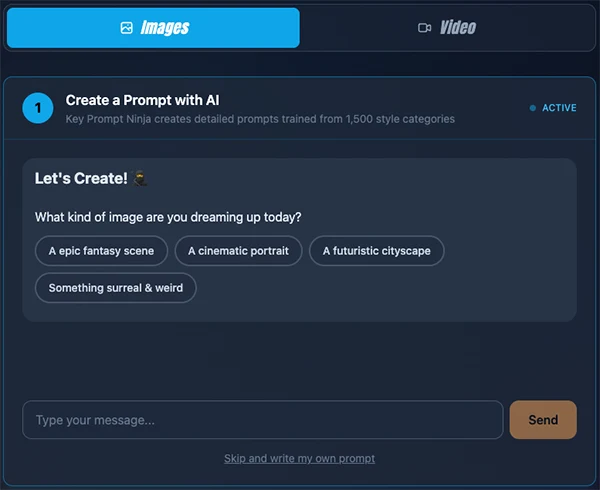
Select a Style, which opens the AI Prompt Creator. Key Prompt Ninja will ask you a few questions. Choose the options you like or type what you want to see.
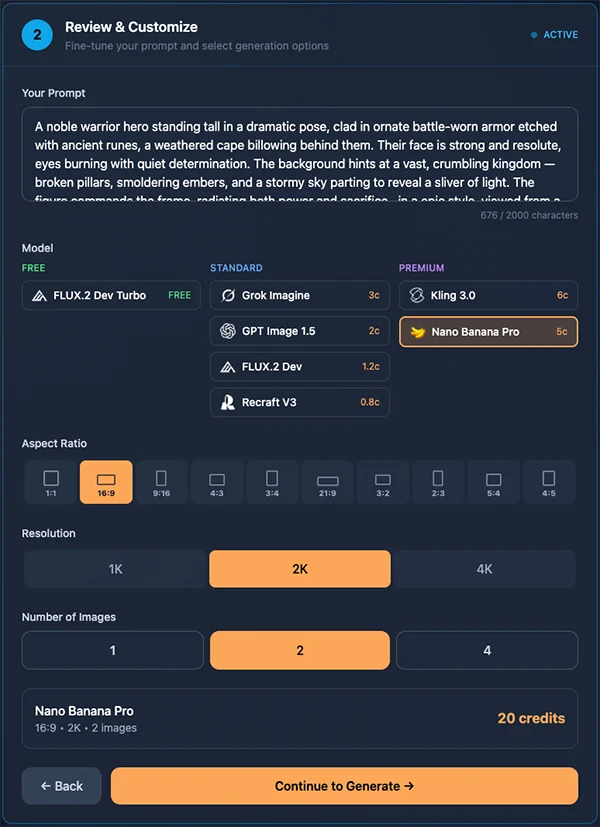
Step 2: Choose a Model
Choose FLUX.2 Dev Turbo for free generations with watermark, or purchase credits to use other models. Next, choose your settings such as Aspect Ratio, Resolution and Number of Images.
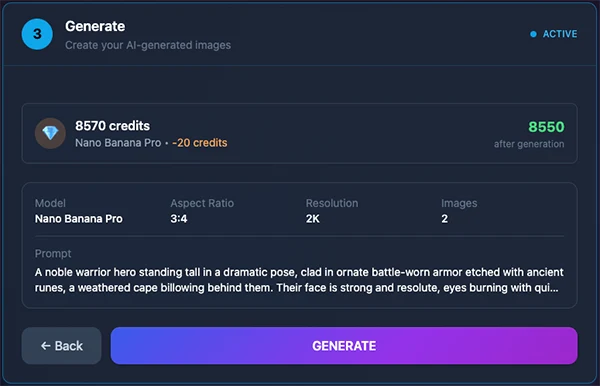
Step 3: Generate your Image
Check your chosen prompt and settings and click Generate!
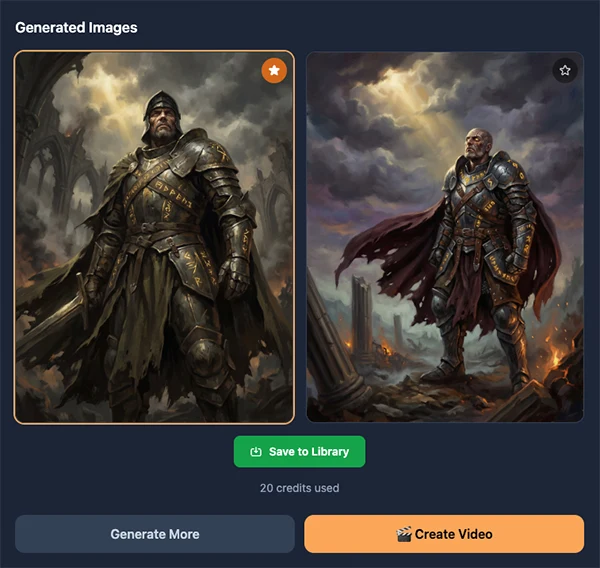
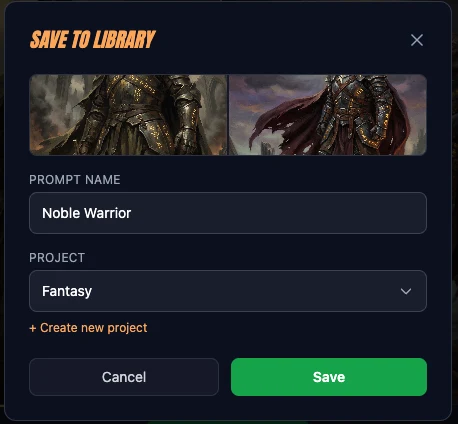
Options: Save to Library | Create a Video
Review your images, download them, and save to your library. If you want to create a video from the image, click on Create Video.
AI Generation Credits. No subscription.
Easy credit purchases with no monthly commitment.
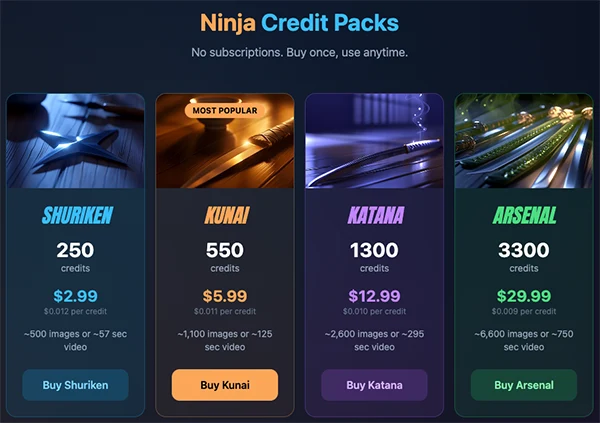
Buy once, use anytime.
Thanks for your support. Have fun creating!